|
Monthly Engine Consumptions Report
We have put up this MS Excel project for Shipping
Companies - (Engine Department),
Actually, it comes in two parts - Part 1 is for both the
office as well as for the ships' use. Part 2 is for use in
the office only.
|
|
|
Part 1 |
Has 4 sections (in addition to an 'Info'
page) |
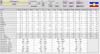 |
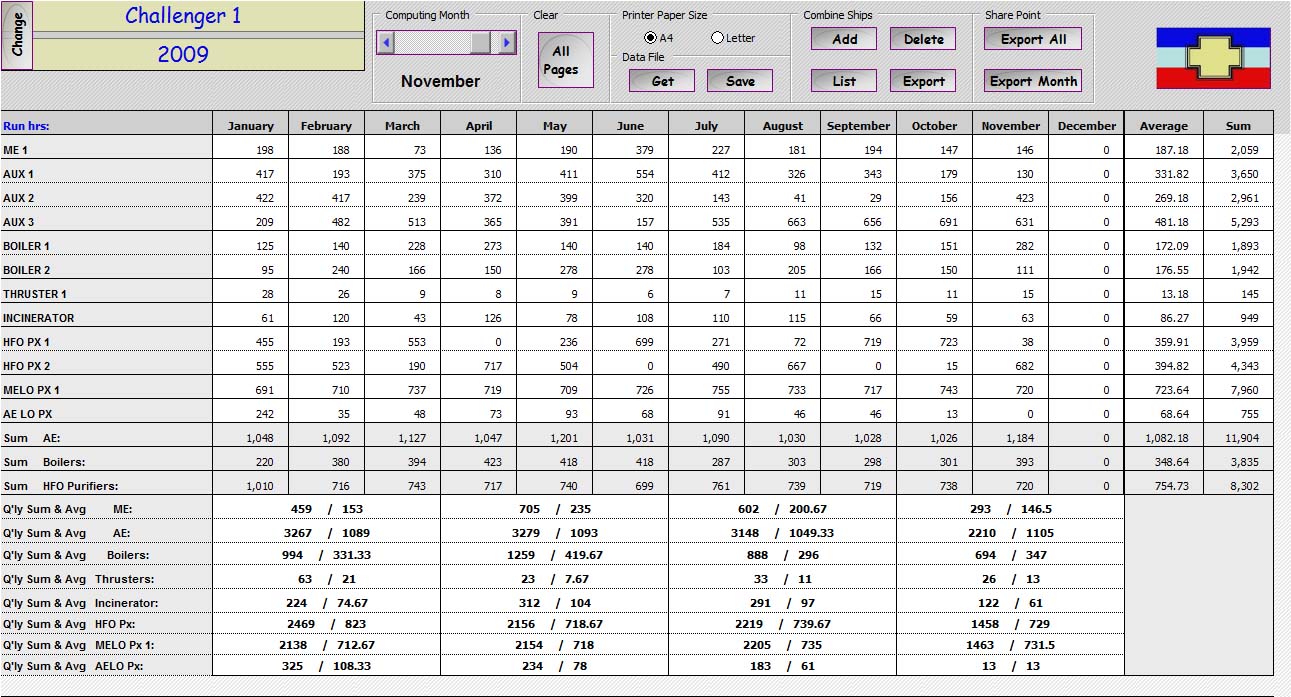
Summary
- Tabulates the data from the month data pages. In this page there are
command buttons for several tasks. At the end of each month, data is
saved to 10 kb encrypted text files from a button on this page. This
file is e-mailed to the office. The office can also extract text only
copies of the project (no macros) for sending to charterers on for
posting on the intranet for inter-departmental viewing (say, to the
accounts department). |
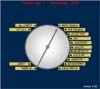 |
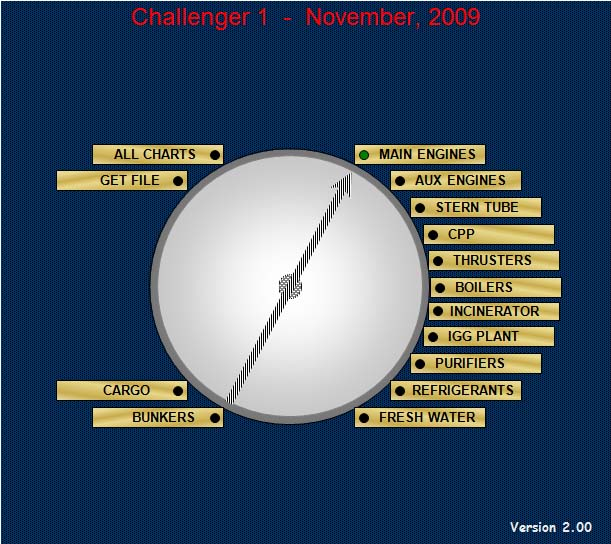
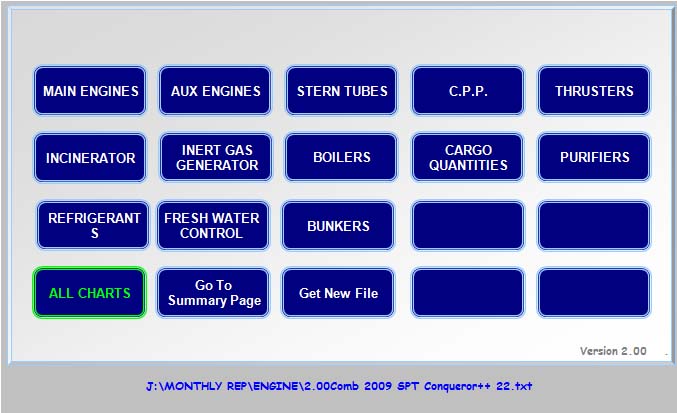
Charts - Allows the user to select the charts to view in equipment groups.
|
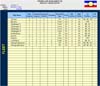 |
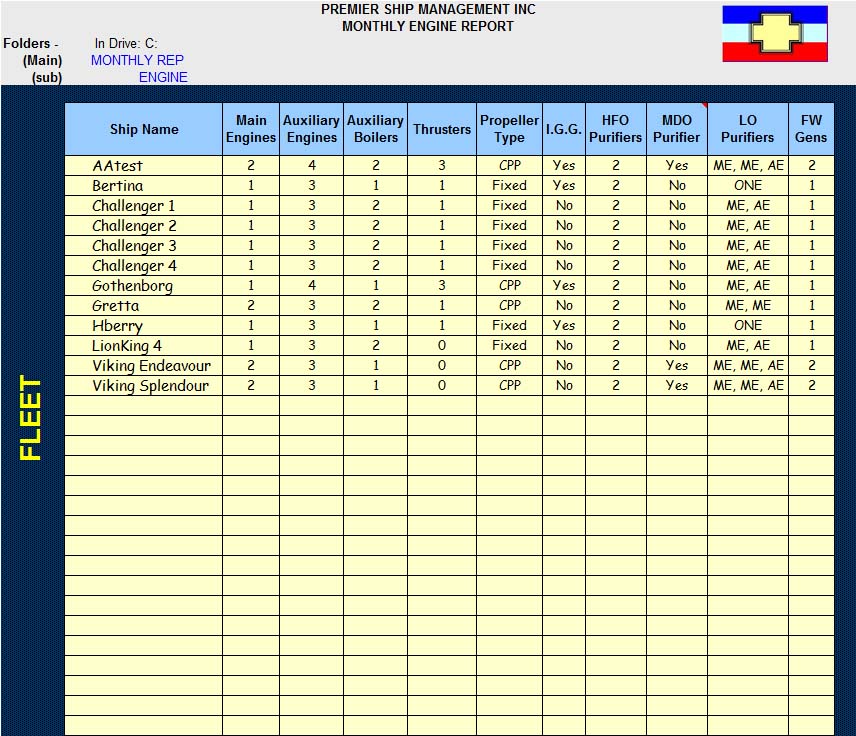
Fleet
Setup - In this section, the office enters the names of the ships
and the number/kind of equipments on board. Example: 2 MEs, CPP. |
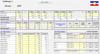 |
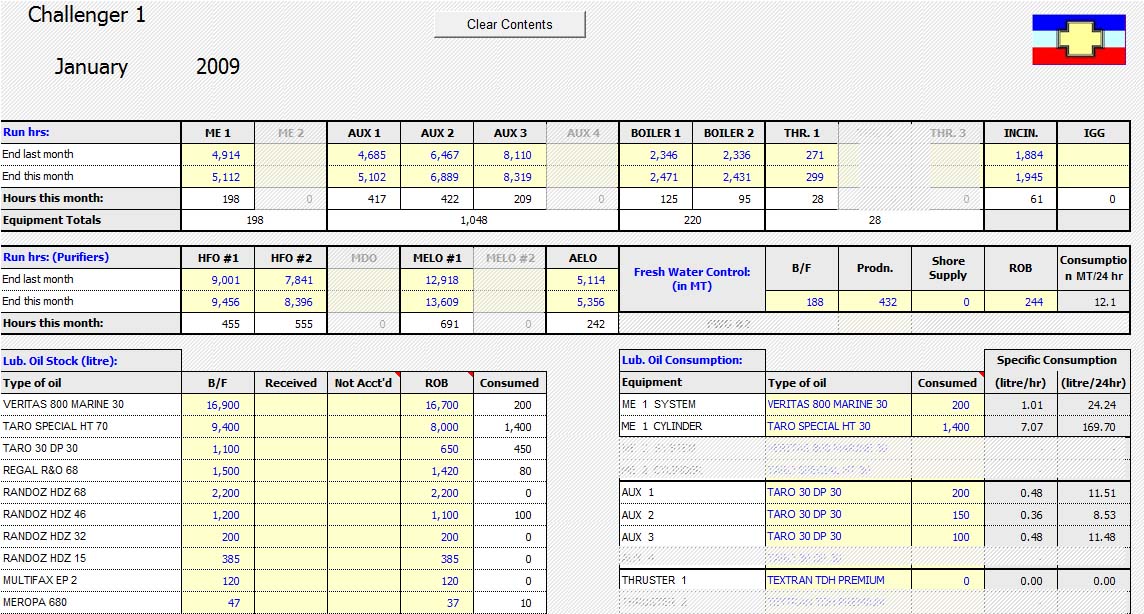
Months
- January to December. Here the ships enter the data for running hours,
consumptions / ROBs. Specific consumptions are computed and linked to
the Summary Page. Non-existent equipments are masked out. |
|
Part 2 |
Has 2 sections |
 |
Data
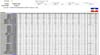
Page - Has command buttons to enable the user to Get Data saved by
project 1 and some others such as selecting the page print size (A4 or
Letter) |
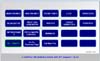 |
Charts - Allows the select the the charts to view in equipment groups.
Sample Charts
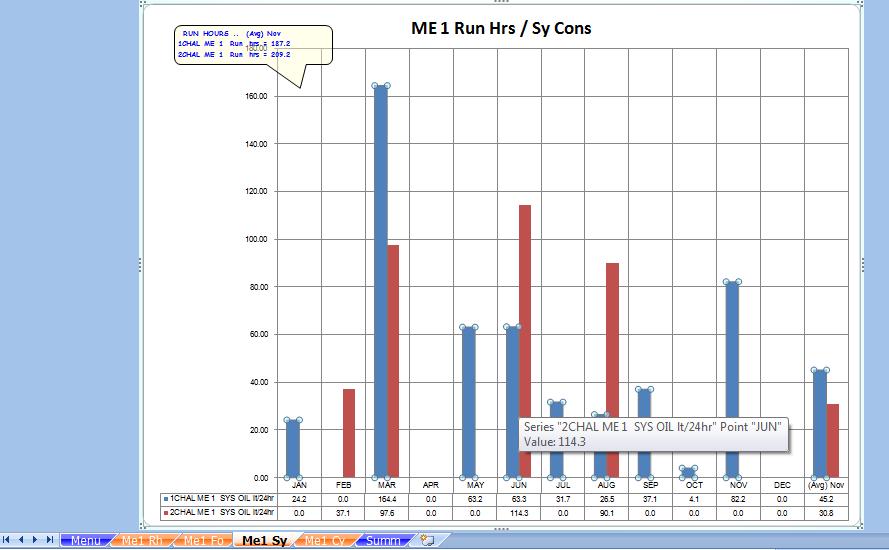
MESYSOIL
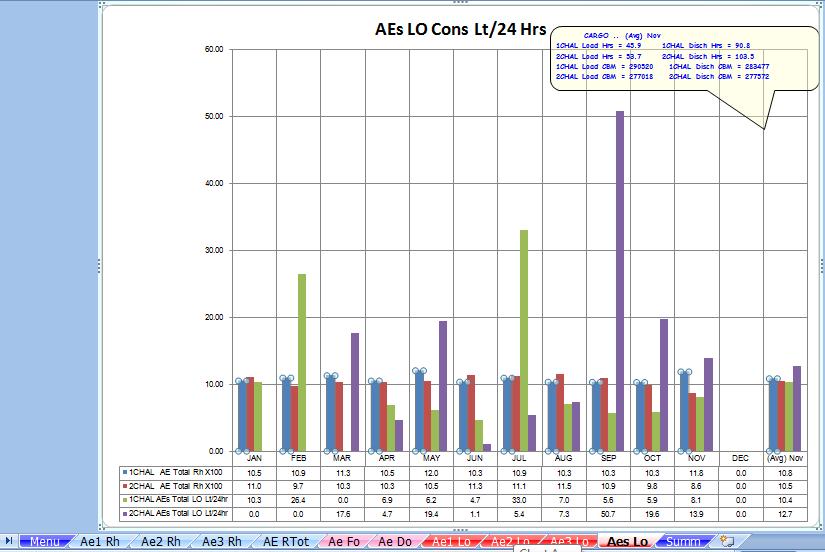
AETOTLO
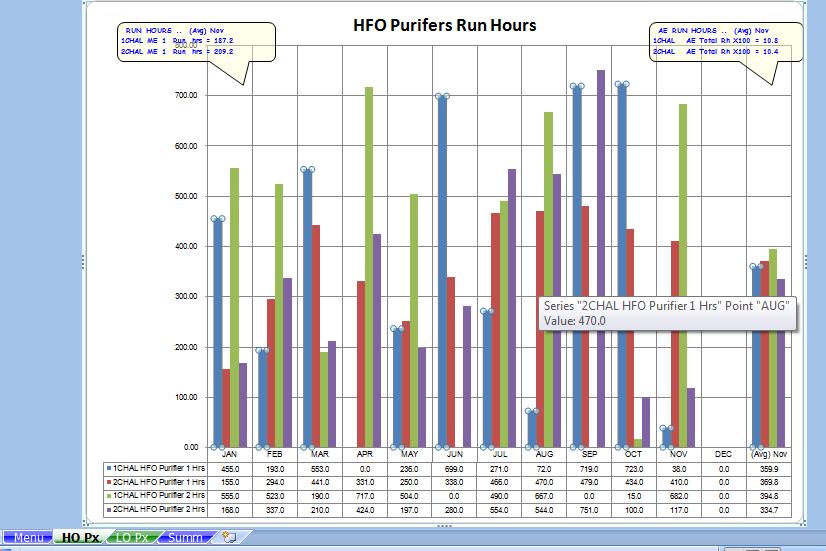
PX |
| |
|
Download a free trial copy. The
zipped document should contain six files.
The main project, an encrypted text file named 'FleetSetup'.txt,
two encrypted text files with sample data for for two ships, the 'combi'
project, and a
sample 'combi' having data for 4 sister vessels.
The user will
need to save the 'FleetSetup.txt' file in the folder 'Monthly Rep' in the root
directory where the main project is saved. Example:
"C:\Monthly Rep".
Contact Us
for a quote basis a one time fee per fleet with / without annual support
and with / without amendments to design or code.
<<EXPLANATORY NOTES>>
Click to magnify |